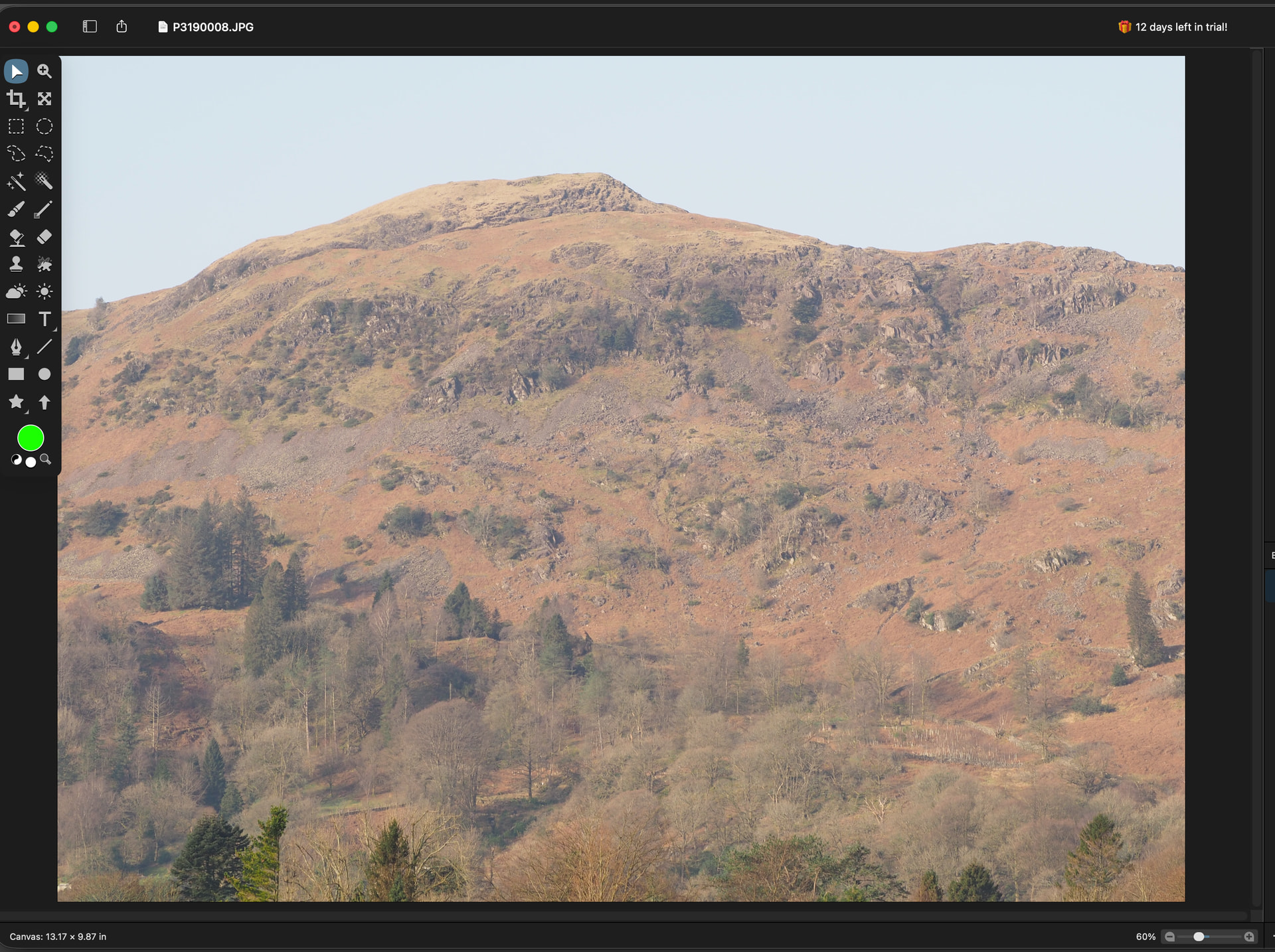
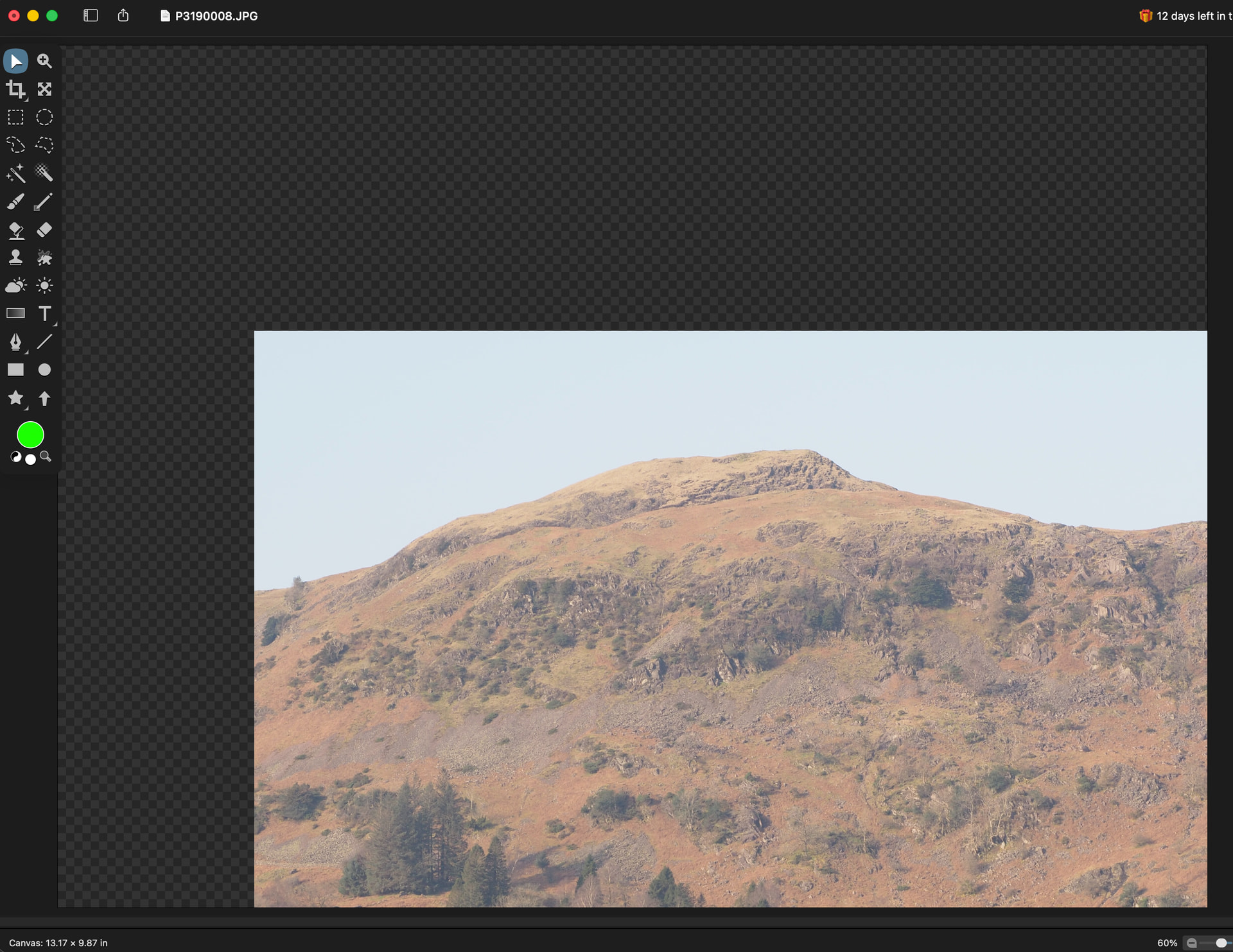
Newbie question here. When I drag my image around the working window and let go of the mouse, is there a way to reposition the image back to where it started from if that makes sense. In other editors I have used ‘Command’/0 did the trick, but not in this case.
Cmd-0 will do the trick. It’ll scale your image so it fits in the window, and centered.
However, based on your screenshots, I think what you’re trying to do is pan your image around and instead you’re moving your layer around with the move tool.
The pan tool (shortcut key ‘h’) is what you want to scroll your image around with the mouse:
You can also hold down the spacebar to temporarily switch to this tool as well.
Does that help / make sense / clear things up?
Also, to undo the move, you can of course Command-Z to undo.