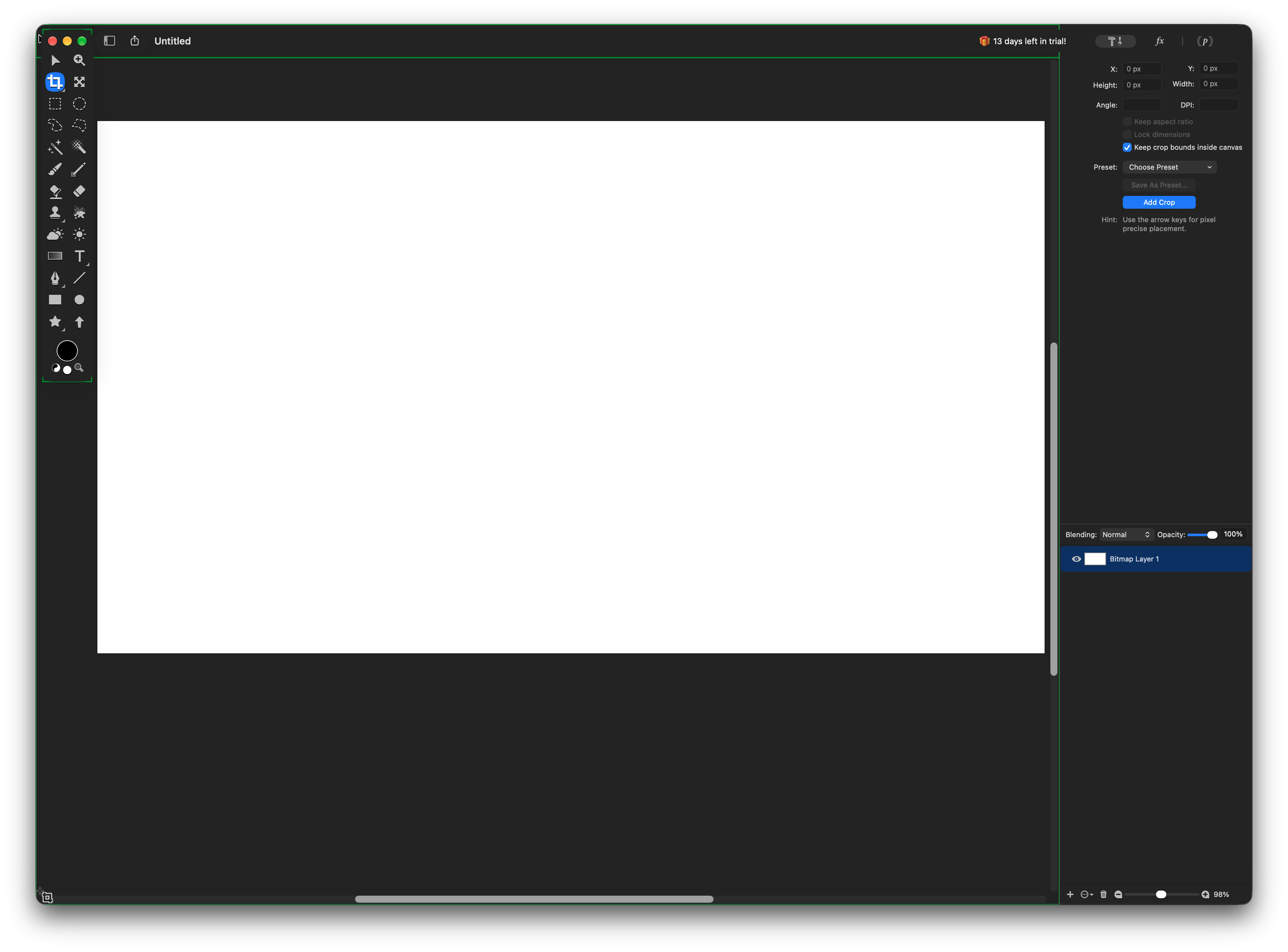
I have macOS set to always show the scroll bars and this is how it behaves in Acorn – the currently selected tool icon doesn’t change to the standard macOS arrow pointer (as one would expect) when hovering over the scroll bar. Not the end of the world, but a slight annoyance that brings a little ”user interface friction” when using Acorn. :-/
Thanks for reporting this! We’ve got it fixed for the next release of Acorn, as well as in the latest builds which you can grab from here: https://flyingmeat.com/download/latest/
Let me know if it’s still a problem with you though. Hopefully it isn’t.
It is better, but the tool icon still stays as the selected tool when I hover over the scroll bars. A left-click on the scroll bar makes the pointer change to the arrow icon, though. I think that is the difference from previously.
If you get a chance, can you try something for me? I’d love to know what Acorn’s cursor tracking rects look like for you. Here’s how to show them:
Open up Acorn’s Settings… window.
Hold down the option key and click on the Advanced tab
There’s an option named “Draw Cursor Tracking Rects”. Turn that on.
Go back to your window and resize it. There should now be rectangles (or just one big one) showing up on your canvas depending on what you’ve got selected. Do they overlap with the scrollbar at all? Or does it draw up to the edge of the scrollbar? If it overlaps, a screenshot of that would help me out.
You can then turn off that pref when you’re done inspecting things. Probably don’t mess with option options in there
Tried on my work MacBook now (so non-registered copy of Acorn).
The rectangle draws pass the scrollbars. I guess that is the problem? Since the pointer icon changes to the arrow pointer beyond that.
Well that’s interesting. Thanks for the screenshot.
I’ve just uploaded a new build which takes a different approach to detecting if the scrollers are showing or not. You can grab it from here: https://flyingmeat.com/download/latest/
If you get a chance, can you try it out and let me know how it works for you?