Crop/Expand image to aspect ratio

Hi there, is it possible to resize an image to a specific aspect ratio with the original image being fit in instead of being cropped?

Example: a square product image should be placed in the final portrait format with the missing parts being expanded with a customizable color (or extracted from the edge color)
thx

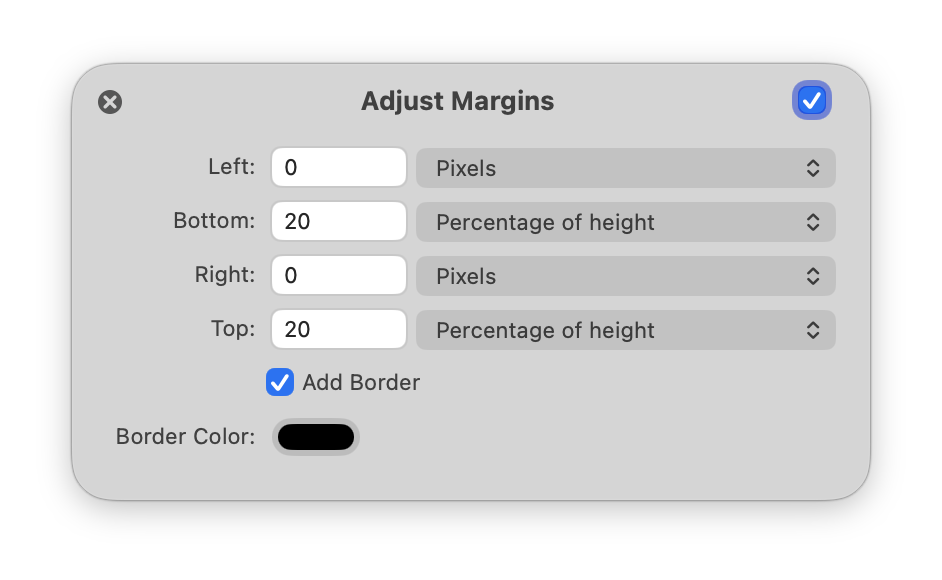
You should be able to do this with the Adjust Margins node.

If it’s square, you’ll need to figure out a little bit of math for the percentages on top and bottom.

So if you want your image to be 5x7, you’ll need to add 20% to the top, and 20% to the bottom:

If you let me know the aspect ratio you’re after, then we can probably figure out what the percentages should be.

-gus