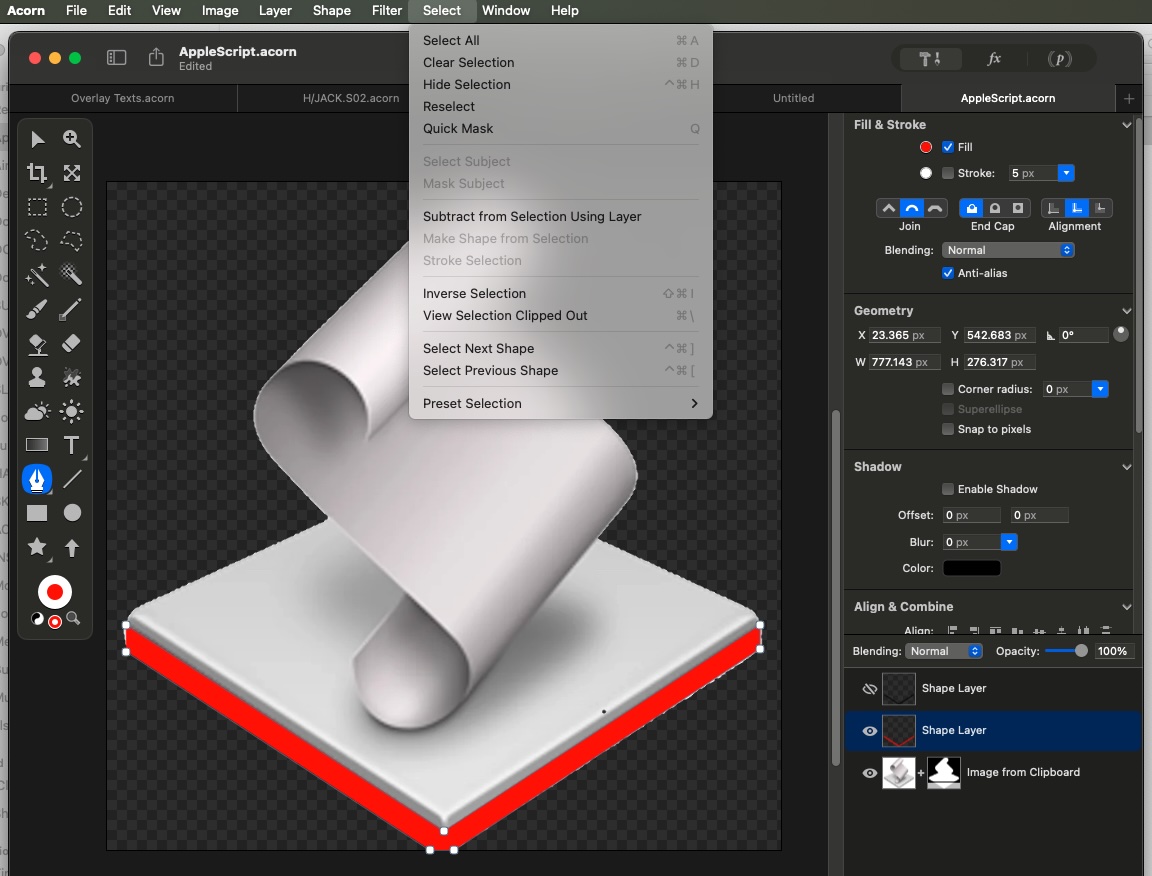
I know I’ve asked this before, but I have a Shape Layer filled with red and selected, but ‘Make Selection from Shape’ isn’t there in the ‘Select’ menu… and cmd-clicking in Layers doesn’t do it and setting the Shape Layer’s blending mode to ‘Mask’ makes the whole image disappear…
The selection mode in the selection palette is set to “Subtract”. So if you bring up the selection palette (keyboard shortcut ’s’) and change the Mode: to normal, you’ll get the correct action in the Select menu.
Thanks for the reply, Gus… I changed the Selection mode to ‘Normal’ and was able to generate a selection. But then I changed it back to ‘Subtract’ to see what would happen, and I was still able to generate a selection from the shape layer, so I don’t know what I was doing earlier on…
If there’s no selection on the canvas, then the first time you use one of the boolean selection operations (subtract, union, etc), then Acorn will add a regular selection. (The boolean ones don’t work without an existing selection).