I’m trying to add a black stroke to yellow text: I looked at the video tutorial, but I can’t seem to get it to work… what am I missing..? Related question… should I get a separate text layer for each text object that I create..? They all seem to be on the same layer…
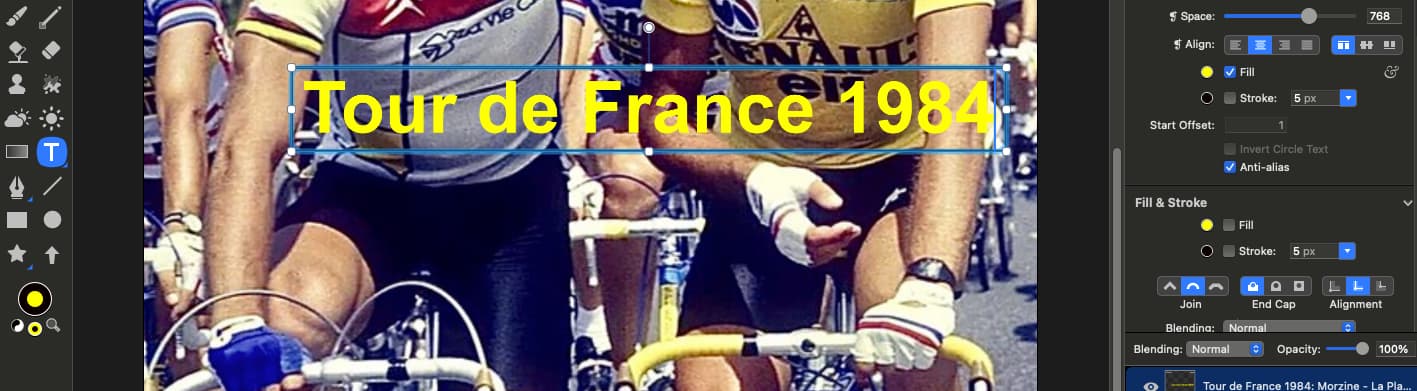
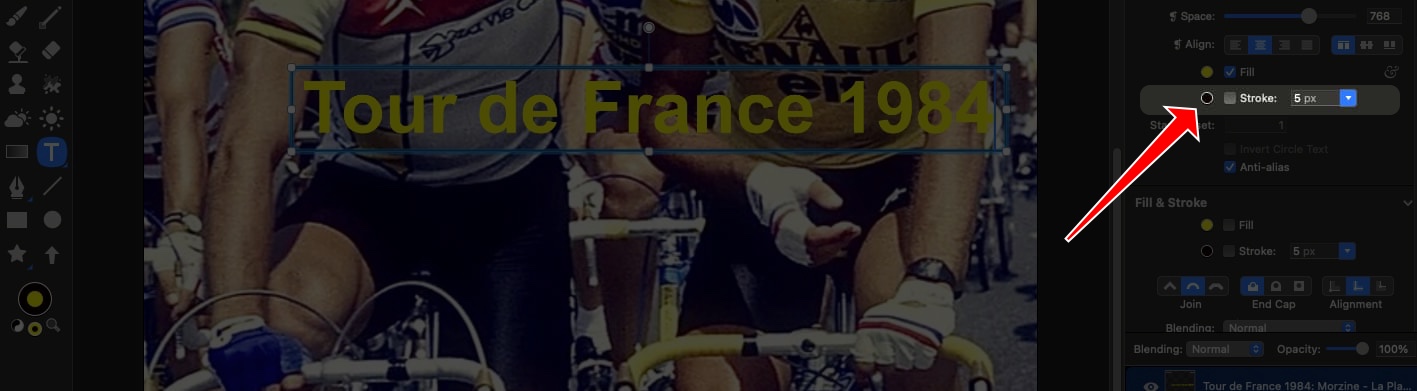
For the black stroke, you’ll want to click the checkbox next to the text stroke:
As for text boxes on each layer, you don’t have to.
A lot of other image editing apps do this, because that’s just the way it was done 25 years ago (and people really resist change sometimes). Acorn doesn’t require it to be this way, though there is a setting you can enable to make text boxes appear on new layers by default.
But I would group them on the same layer if they are related. It’s how I designed Acorn to work.
Thanks, Gus… it’s amazing how I can stare at something for ages and not see what’s right under my nose…. Found the text box setting 