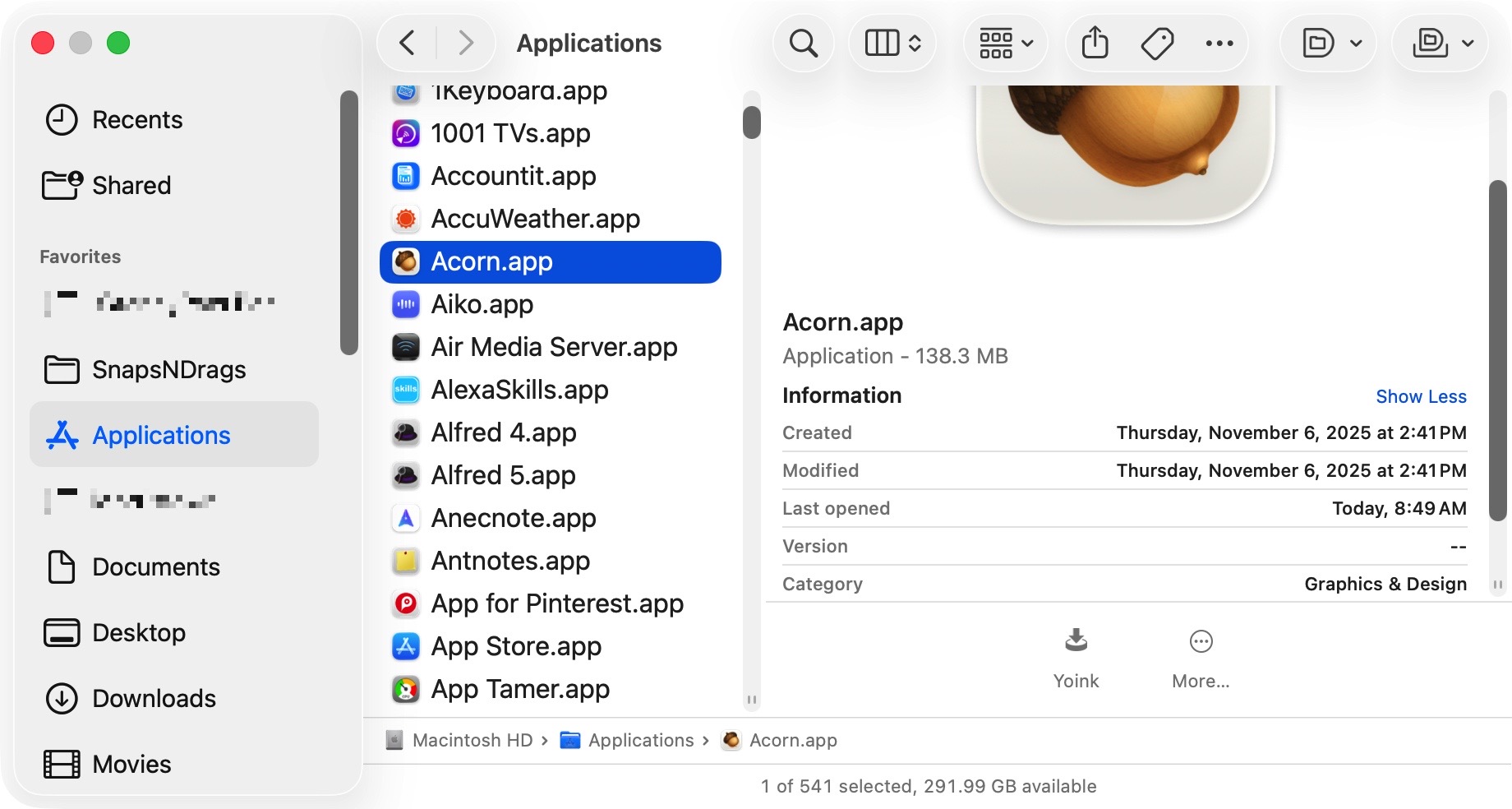
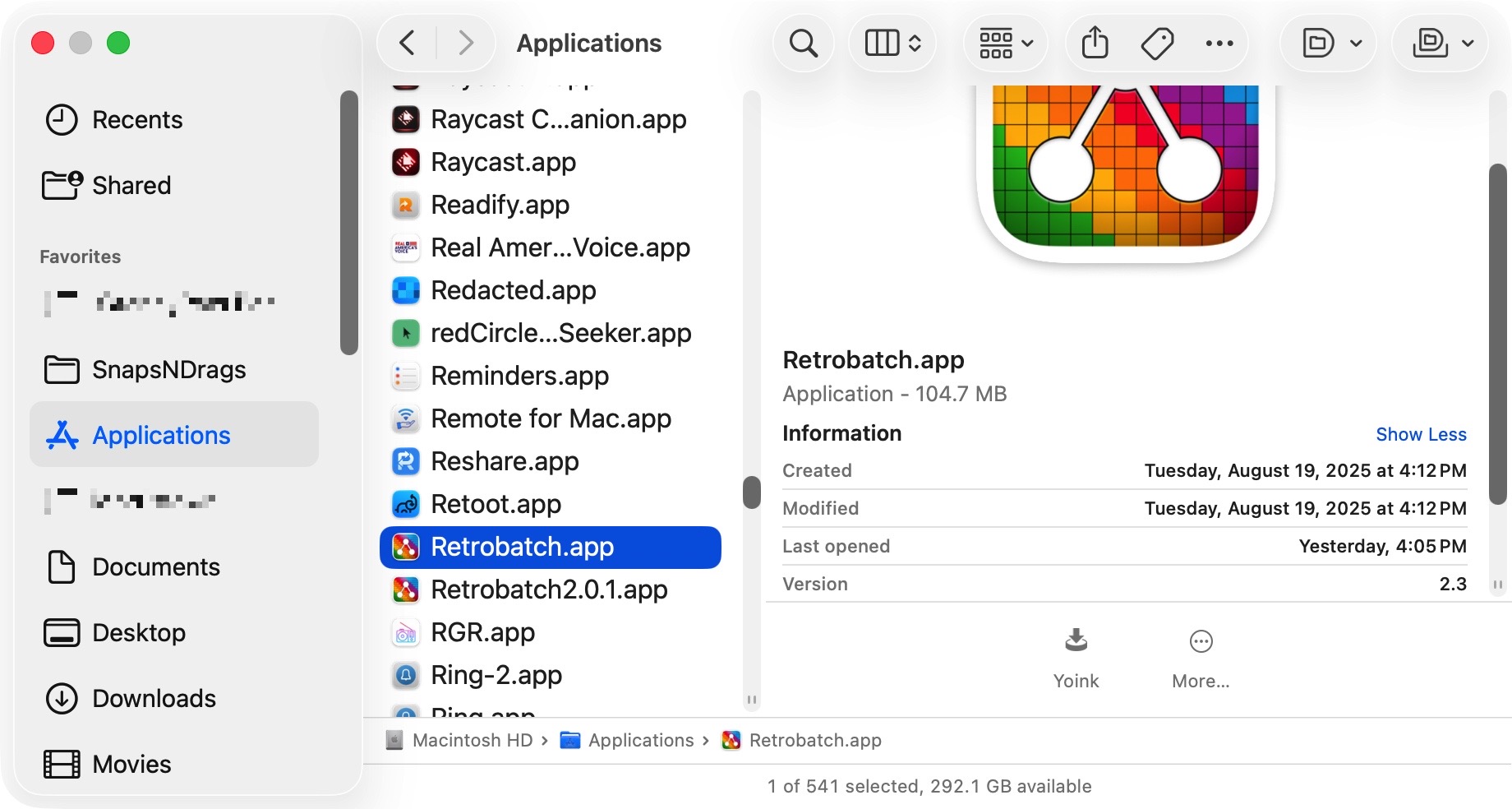
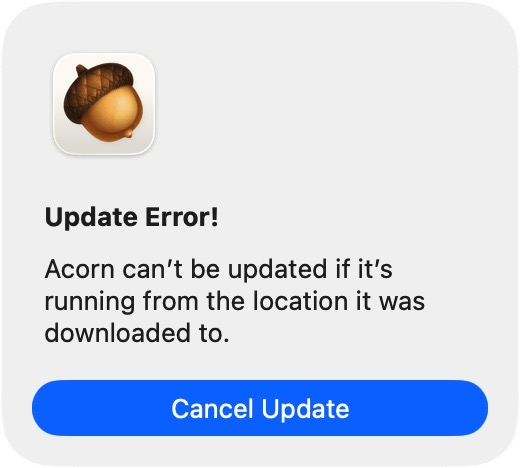
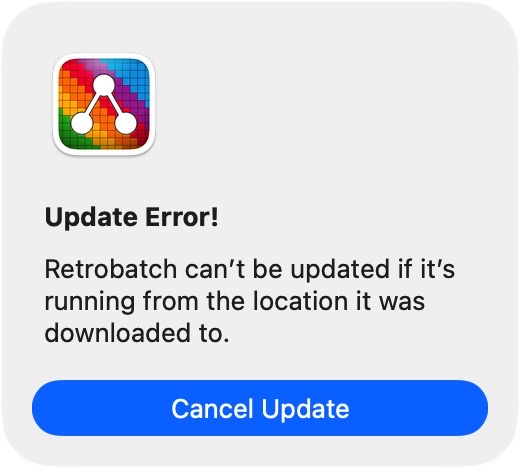
I’ve never seen this error – except when trying to update Retrobatch.
So how do I update?
I’ve never seen this error – except when trying to update Retrobatch.
So how do I update?
Where did you download it to? Desktop? Downloads folder? It has to be dragged into the Applications folder and run and updated from there.
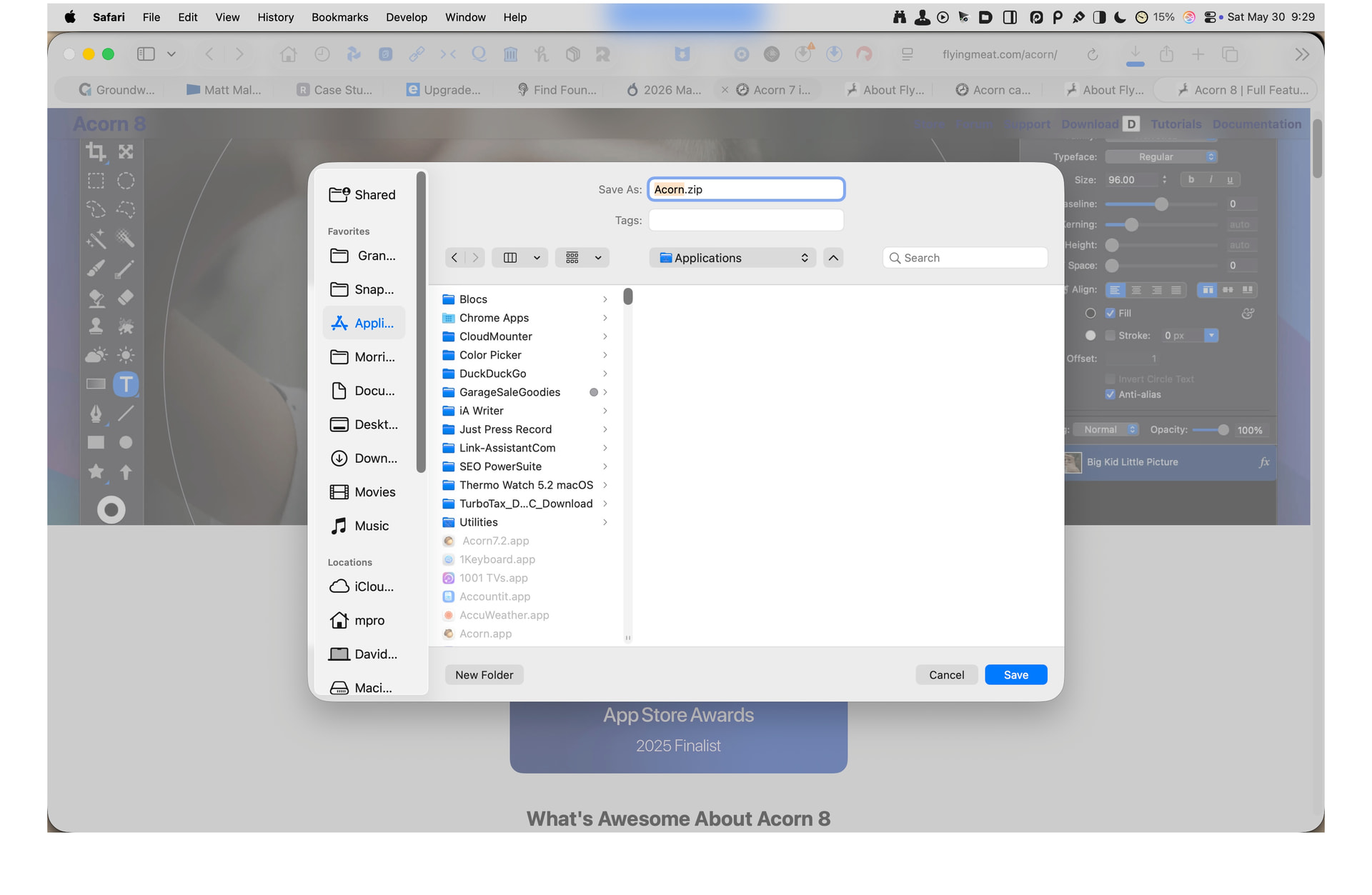
@ccgus Just found this. I don’t know how relevant this is, but it could be entirely relevant. Apparently Acorn (thus probably Retrobatch as well) ships in a .zip file. When I’m getting apps in zip files, I just direct them to my Applications Folder to begin with since they get unpacked as intact applications. This has never been an issue before in any other Applications I’ve acquired.
The quick fix for this problem is to move the app (either Retrobatch or Acorn) to your Desktop, launch it, quit it, and then move it back to the Applications folder.
There’s a little bit of data that’s put on apps that are downloaded that says “This app is possibly dangerous, let’s restrict it quite a bit”. It’s known as a “quarantine flag”.
In theory, moving it out of the Downloads folder to your Applications folder should remove it, but sometimes the Finder doesn’t feel like doing that.
I’ll have to play with downloading it directly to the Applications folder. Is Safari doing this for you automatically, or are you choosing the “Download Linked File As…” contextual menu item when used on a link?
-gus
(Update: Yea, downloading it directly still puts the “com.apple.quarantine” flag on it).
You can quickly remove it by pasting the following in the Terminal app:
xattr -d com.apple.quarantine /Applications/Acorn.app
xattr -d com.apple.quarantine /Applications/Retrobatch.app
Or the Desktop trick as mentioned above will do it as well.
@ccgus How do I physically move the apps to the Desktop? Every attempt just puts an alias on the desktop.
Should I duplicate to the desktop? Then erase the app from the Applications Folder.
That’s strange - if you don’t have permission to remove / move Acorn, it won’t ever be able to update itself.
So yes, I would duplicate it to the Desktop, delete the copy in Applications, open Acorn up at least once, and then move the copy on the Desktop to the Applications folder. That’ll make you the owner of the copy, and you should be able to update it, as well as taking care of the quarantine flag issue.
Let me know if that completely fails somehow!
-gus